Why Meesho Labels Don't Print Properly on Thermal Printers
If you're a growing Meesho seller, moving from an inkjet/laser printer to a thermal printer is a necessary upgrade. Thermal printers don't use ink, print significantly faster, and give your packages a professional look.
However, when you download a shipping label from the Meesho Supplier Panel, it comes as an A4-sized PDF, often with the tax invoice attached. If you try to send this directly to a thermal printer, the printer tries to shrink the entire A4 page onto a small sticker. This leads to:
- Unreadable barcodes that logistics partners (Delhivery, Xpressbees, Shadowfax) reject.
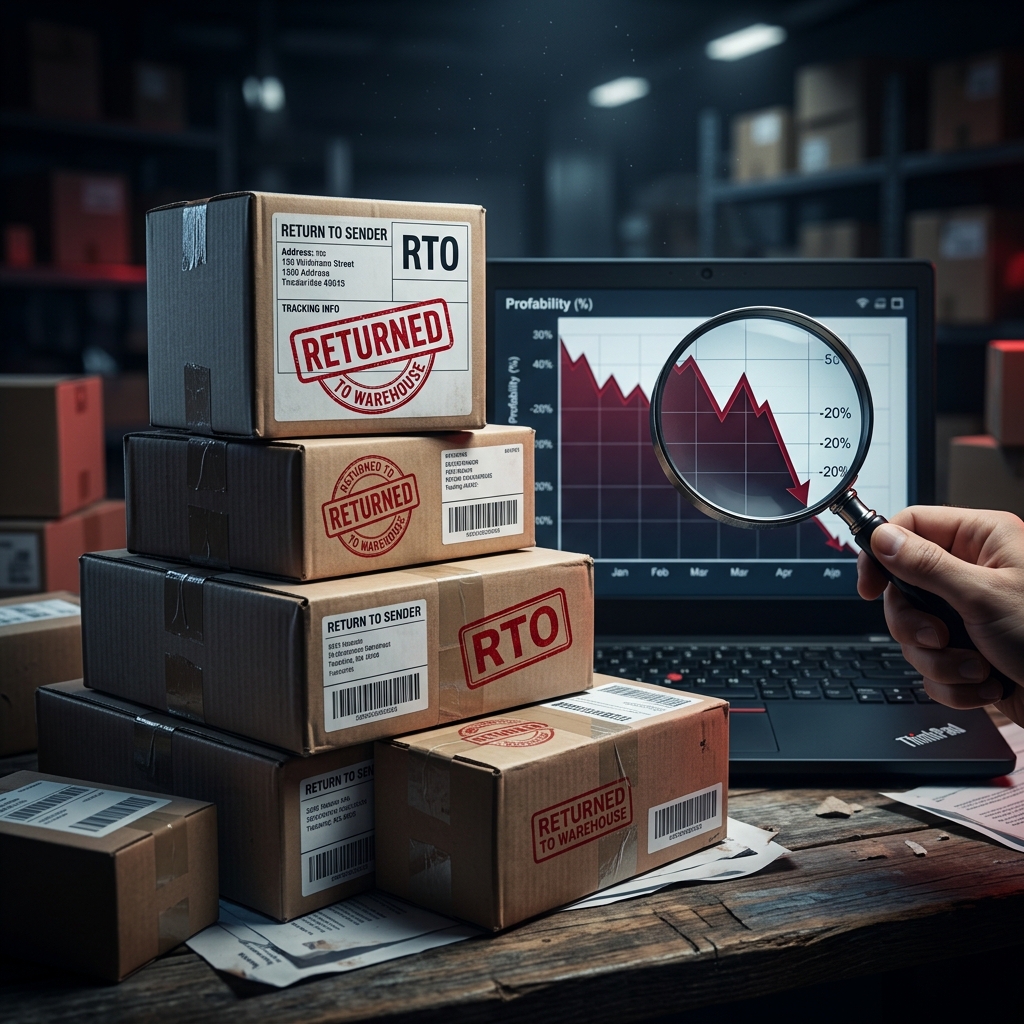
- Tiny, illegible customer addresses leading to RTOs (Return to Origin).
- Wasted thermal paper due to margin overflows.
What is 4x6 Thermal Label Format?
The standard size for e-commerce shipping labels worldwide is 4x6 inches (100x150 mm). This size perfectly fits the shipping address, order details, SKU information, and a scannable barcode.
To print Meesho labels correctly, you need a Meesho label cropper that automatically extracts just the shipping label portion from the A4 PDF and resizes it to exactly 4x6 inches.
How to Crop Meesho Labels (Step-by-Step)
Instead of manually cropping PDFs using Photoshop or snipping tools, you can use our automated tool to do this in seconds.
- Download your labels: Go to your Meesho Supplier Panel > Orders > Ready to Ship. Select your orders and click 'Download Labels'.
- Upload to the tool: Open the Meesho Label Crop Tool and upload your PDF. You can even upload multiple PDFs at once for label merge and batch processing.
- Configure settings: By default, the tool is optimized for thermal printers. You can also enable SKU Sorting to group similar items together.
- Process and Download: Click 'Generate Print-Ready Labels'. The tool will crop the labels and give you a new PDF perfectly formatted for 4x6 printing.
Recommended Thermal Printers for Meesho Sellers
If you are looking to buy a thermal printer in 2026, here are the most reliable options used by top Indian e-commerce sellers:
- TSC TE244 / TE344: The industry standard. Slightly expensive but built like a tank for high-volume sellers.
- Zebra ZD420: Premium tier, excellent print quality and durability.
- TVS RP 3150 / RP 3220: Great value for money with reliable after-sales service in India.
- Xprinter XP-460B: The budget king. Perfect for beginners processing 50-200 orders a day.
Best Print Settings for Barcode Scanning
Once you have your cropped 4x6 PDF, make sure your print settings are correct to avoid RTOs due to un-scannable barcodes.
| Setting | Recommended Value |
|---|---|
| Print Scale / Size | 100% (Actual Size) — Never select "Fit to Page" |
| Margins | 0 mm (None) |
| Paper Size | 4x6 inch (100x150mm) |
| DPI / Resolution | 300 DPI or higher (if available in preferences) |
Always do a test scan of your first printed barcode using your smartphone camera or a barcode scanner app. If your phone can read it instantly, the logistics partner's scanner will too.
✂️ Ready to Crop Your Labels?
Stop wasting time manually editing PDFs. Use our 100% free, browser-based tool to automatically crop your Meesho labels for thermal printers.
Try Free Label Crop Tool📊 Calculate Your Real Meesho Profit
Use our free Meesho profit calculator to find your actual margin after all fees, shipping, RTO losses, and taxes.
Try Free Calculator